Double Exposure


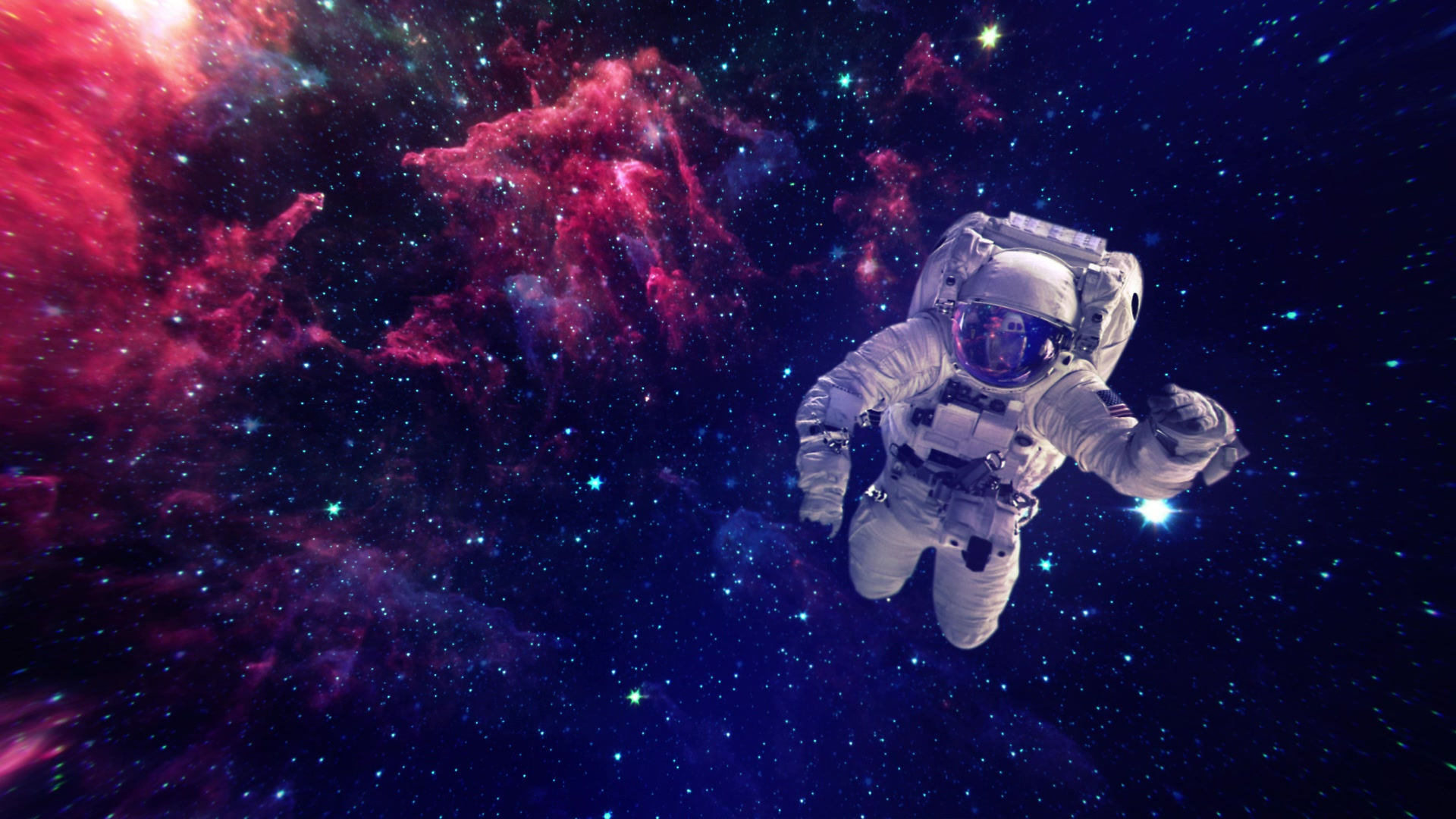
1) My main objective when creating these three pieces was to combine multiple images together in a way that would look pleasing to the eye and get a "wow" reaction from those who see these pieces.
2) I primarily used the magnetic lasso tool, the channel palette/menu, the fill tool, the move tool, and the crop tool.
3) Some of the challenges that I faced was getting the mask over Lady Gaga to look good, getting the baseball player to fit in the dog's glasses, and changing the color channels on my dogs and sorting them in a layer order that would blend the colors nicely.
4) I used the pen tool and the magnetic lasso tool to remove backgrounds of my images. I found that using the magnetic lasso tool was easier than the pen tool.
5) The benefits of using a layer mask to create the double exposure effect are that once you have your subject selected, the mask only covers what you selected, which makes it easier based on what you want to be masked.
6) I did try to make my background a gradient for my duo-tone image, but I decided against using it because the colors of the channels on a multi-colored background didn't look as good as it did when on a plain background.


Comments